Turn a paper receipt into review-ready expenses.
Photograph a receipt, check the merchant, amounts, categories, and line items, then confirm.
 FinPilot
AI expense tracker for iPhone and Android
Scan a receipt or speak your purchases. FinPilot prepares clean expense drafts, lets you review every detail, and turns them into a clear monthly picture.
Manual tracking works without an account or bank connection. Sign in for four free AI captures each week; AI capture needs internet.
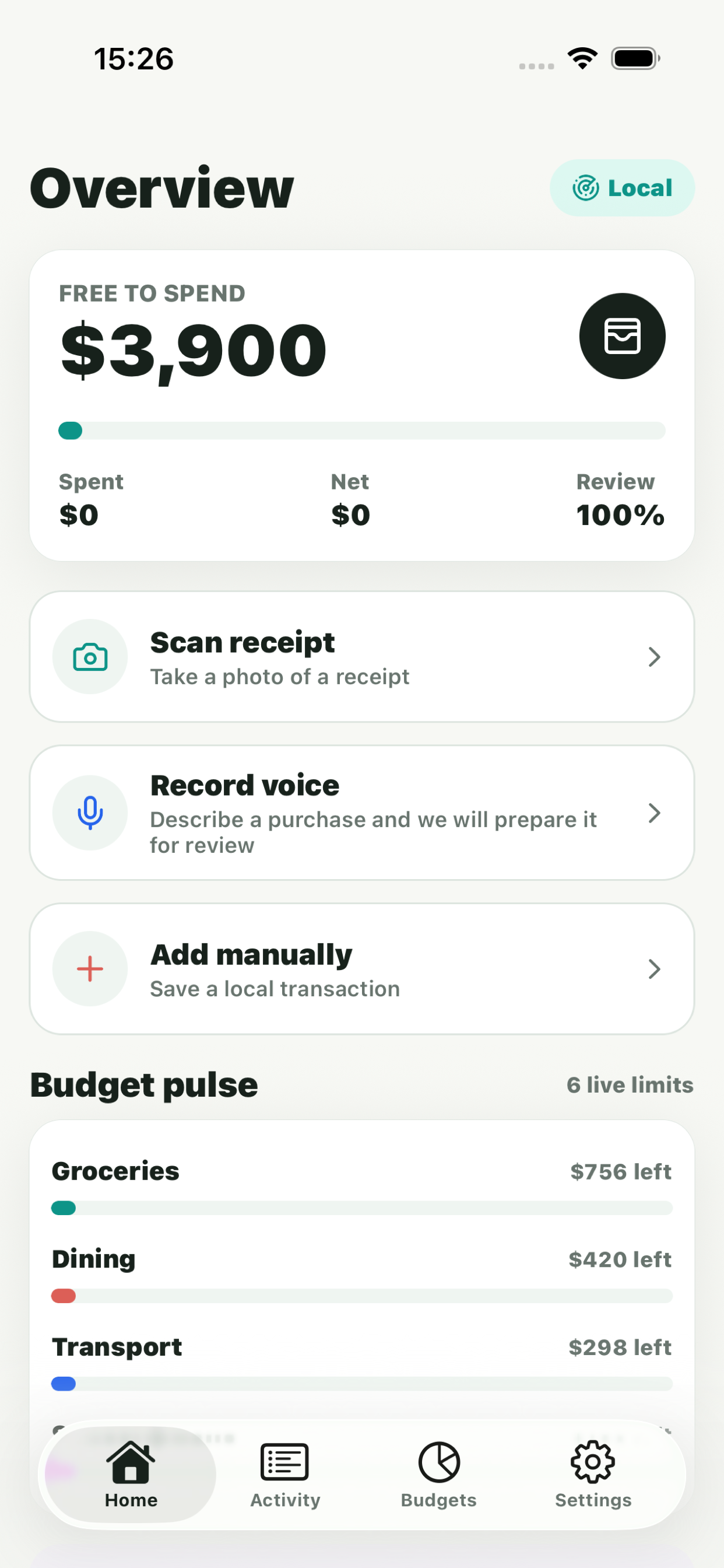
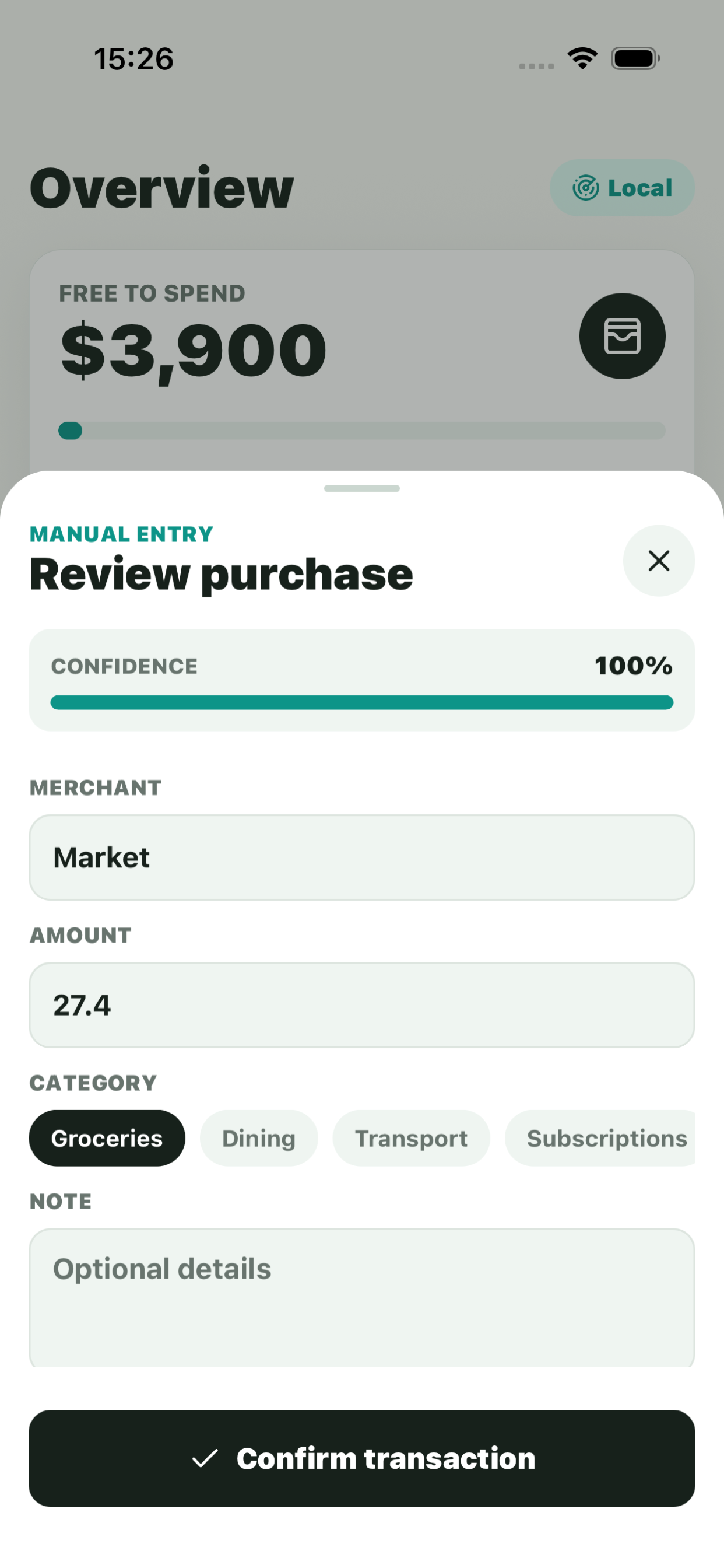
Capture a purchase while it is fresh, verify what the AI prepared, and keep control over what enters your wallet.
Photograph a receipt, check the merchant, amounts, categories, and line items, then confirm.
Record a natural voice note and let FinPilot prepare the structured expense list.
Review monthly spending, compare categories, search purchases and keep recurring payments together.
Local-first by design
Start a local guest wallet from the first launch. Sign in when you want AI capture, optional sync or a shared wallet.
Start with four free AI captures each week
Download FinPilot for iPhone or Android and get a cleaner monthly view without rebuilding your life around a finance app.
Get FinPilot on the App Store Get FinPilot on Google Play